The diary, wherever you are
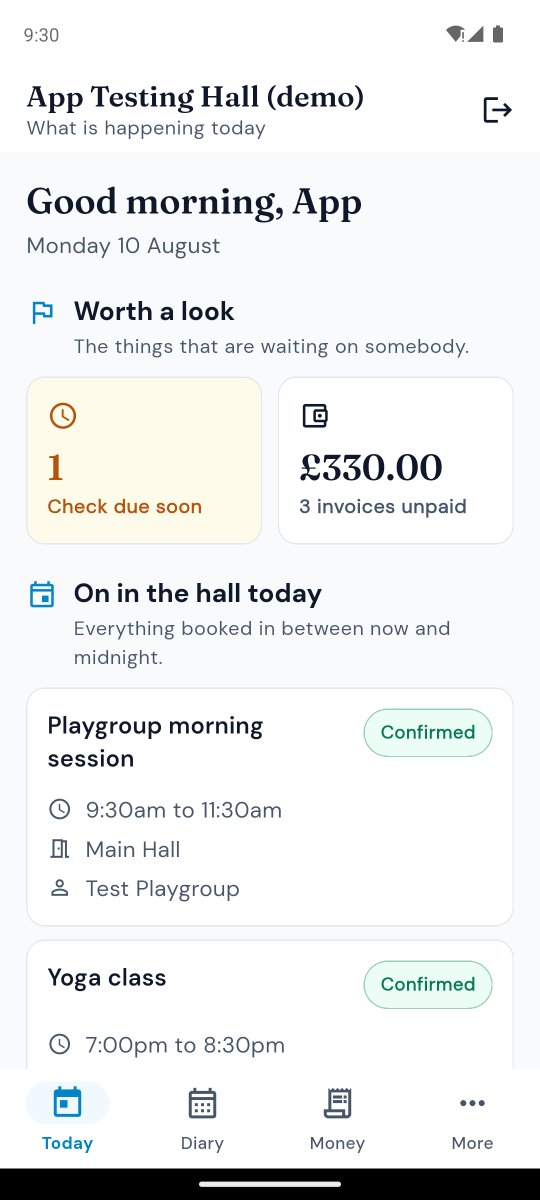
Today, this week and what is coming. Put a booking in, confirm one, and see at a glance what is waiting on somebody - without going home to the computer first.
- Everything booked in between now and midnight
- What is overdue and what is owed, on the first screen
- Add a booking and it checks for clashes as you type
- Confirm a provisional booking on the spot
Money, and who still owes it
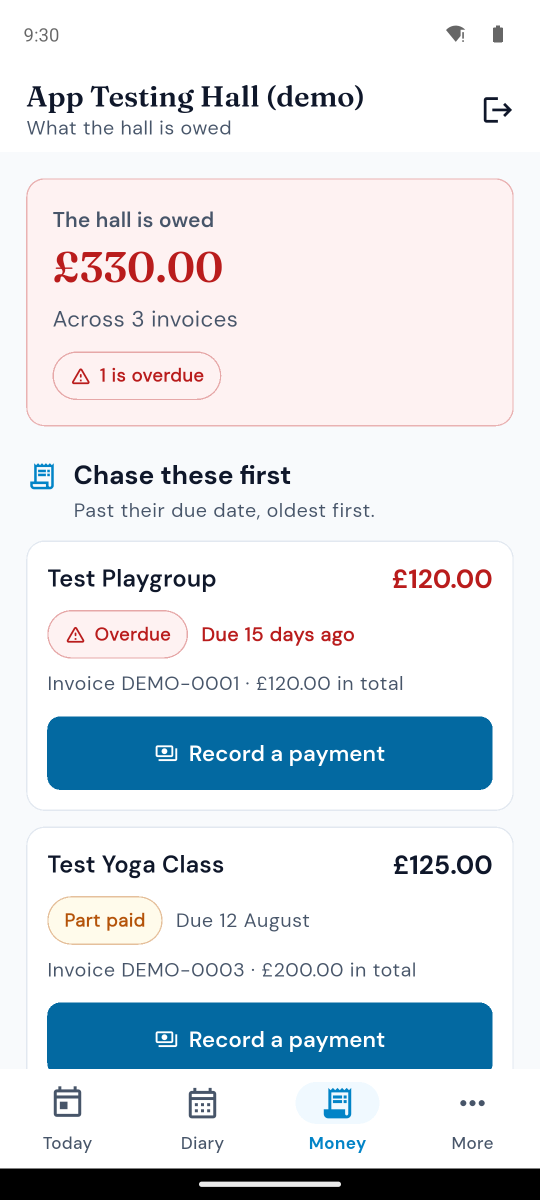
What the hall is owed, who is overdue and by how long. Record a payment standing at the back of the hall, while the person who just handed you the cash is still in front of you.
- Everything outstanding, oldest first
- Record a payment against an invoice in three taps
- Overdue says Overdue, not just red
- The invoice works out its own new status - nothing to remember
Safety checks where you actually do them
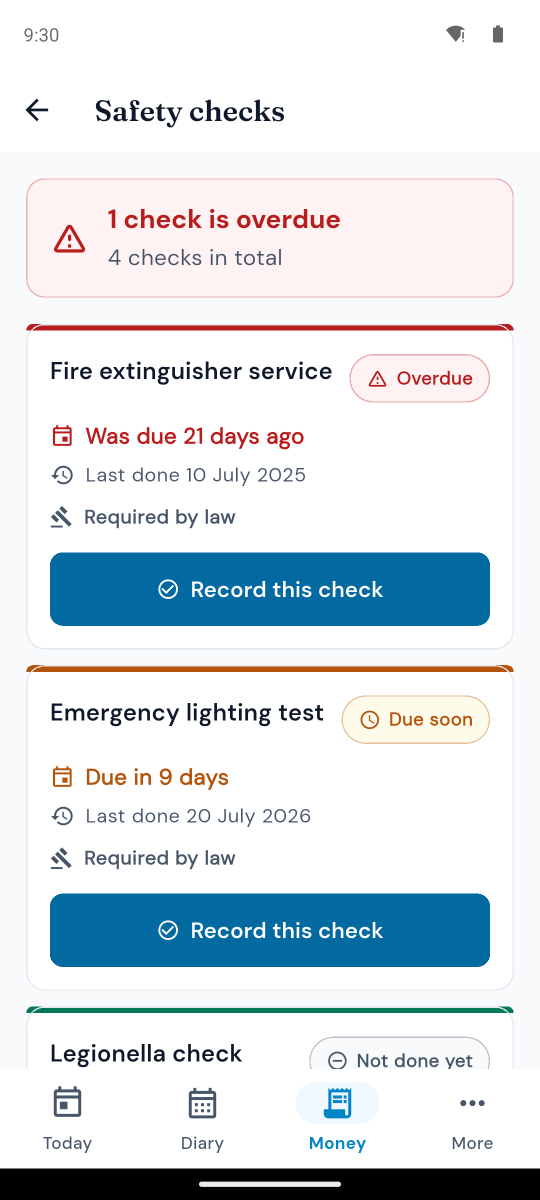
Fire extinguishers, emergency lighting, PAT testing and the rest - ticked off standing in front of the thing you just checked, rather than written on the back of an envelope and typed up on Sunday if anybody remembers.
- Overdue, due soon and done, at a glance
- Legal requirements marked as such
- Record who did it and when, on the spot
- The next due date works itself out
It works where the signal does not
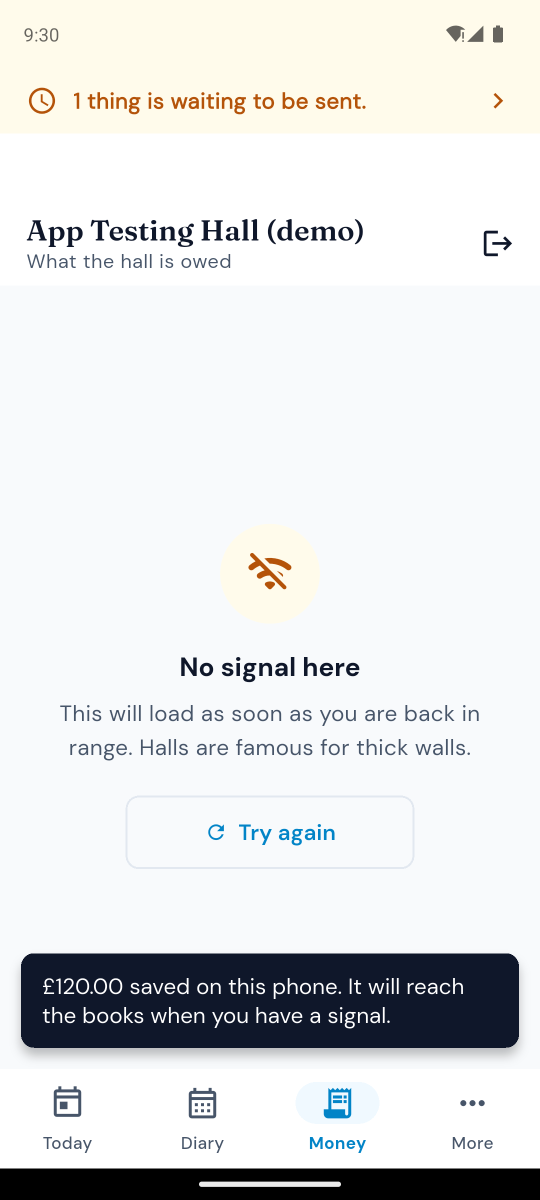
A great many halls are a thick-walled building in a village with one bar of signal in the car park. Anything you record with no connection is kept on the phone and sent the moment you are back in range.
- Safety checks and payments recorded offline are never lost
- A plain count of what is still waiting to be sent
- Sends itself the moment you have a signal - nothing to press
- You do not have to remember which ones went
For your hirers too
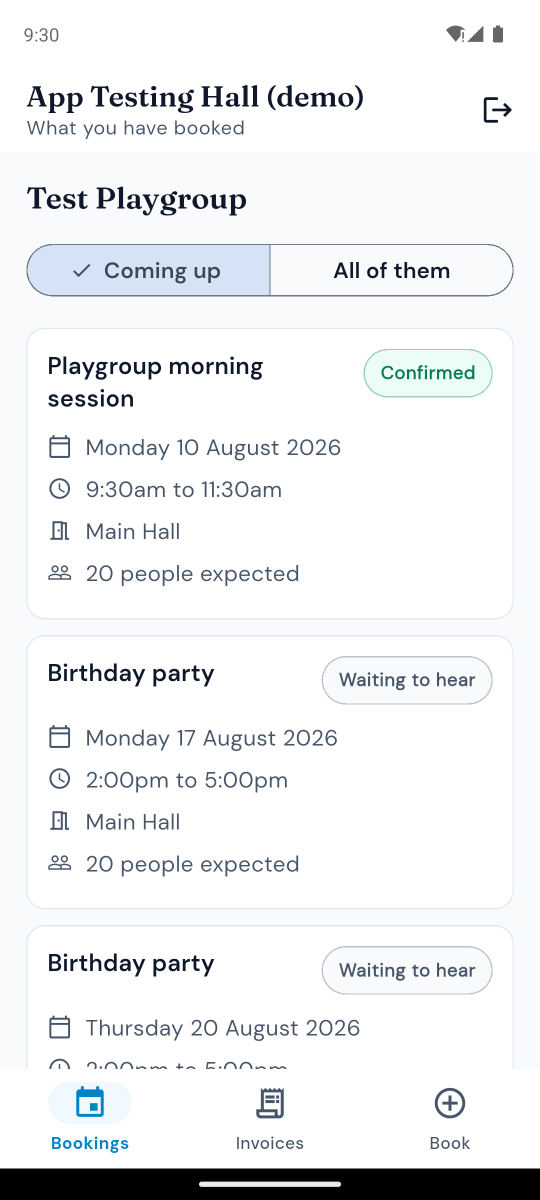
Anybody who hires your hall can use the same app. They sign in with the email address you have for them and a code we send to it, and see their own bookings, what they owe and their invoices, and which times are already taken when they ask for another.
- No account to create and no password to forget
- They see their own bookings and nobody else's
- Download their invoices without ringing you
- Ask about booking again, straight from the app
iPhone now. Android needs twelve of you.
If you have an iPhone or an iPad, it is on the App Store today. Nothing to sign up for and nothing to pay - it is included on every plan.

The Android app is built and working, and it is Google rather than us holding it up. Before a new app can go on the Play Store for everybody, twelve people have to be signed up as testers and stay signed up for a fortnight. Not twelve who try it once - twelve who leave it installed for two weeks.
So if your phone is a Samsung, a Pixel, a Motorola or most other makes, putting your name down genuinely gets this over the line for every hall on the system. Your regular hirers count too - send us their Google Play address and we will add them.
Less than you might think
Nobody is asking you to fill in forms or keep a log. Use it, and tell us when it annoys you.
- 1 You get an email with a link that installs the app from Google Play, the same as any other app.
- 2 You use it for your own hall for the things you would have done at the computer anyway. It is the live system, not a pretend one - your real diary, your real invoices.
- 3 You tell us when something is wrong confusing, or missing. A one-line email is a perfectly good bug report. "I could not find where to do X" is one of the most useful things you can send.
- 4 You can stop whenever you like and nothing happens to your hall's account if you do.
Is it safe to use on our real hall?
Yes. It talks to the same system as the website, with the same permissions - if you cannot do something on the website, you cannot do it in the app either. A read-only committee member stays read-only.
It contains no adverts and no tracking of any kind, and asks for nothing on your phone except an internet connection - not your contacts, not your location, not your photos. The privacy policy sets out exactly what it holds.
Put your name down
You do not need a Village Hall Hub account to test it, and there is nothing to pay.